
You Plus AI Equals Magic
Put AI to work for your next Bricks website
Let AI build your entire Bricks website end to end — minutes to launch, professional design, zero coding
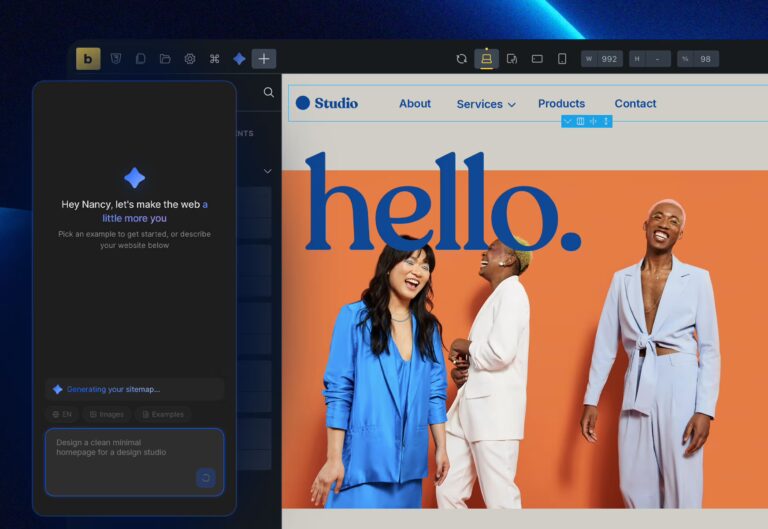
Prompt
Tell AI what you need. Describe your website and AI plans the entire sitemap, layout, structure, and content for you in seconds.
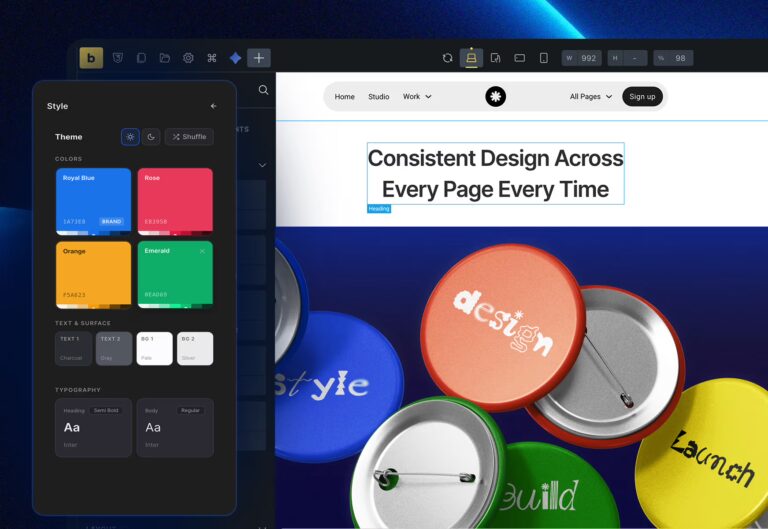
Personalize
Make it yours. Adjust colors, fonts, images, and style until it feels perfect. No code, no struggle, no guesswork.
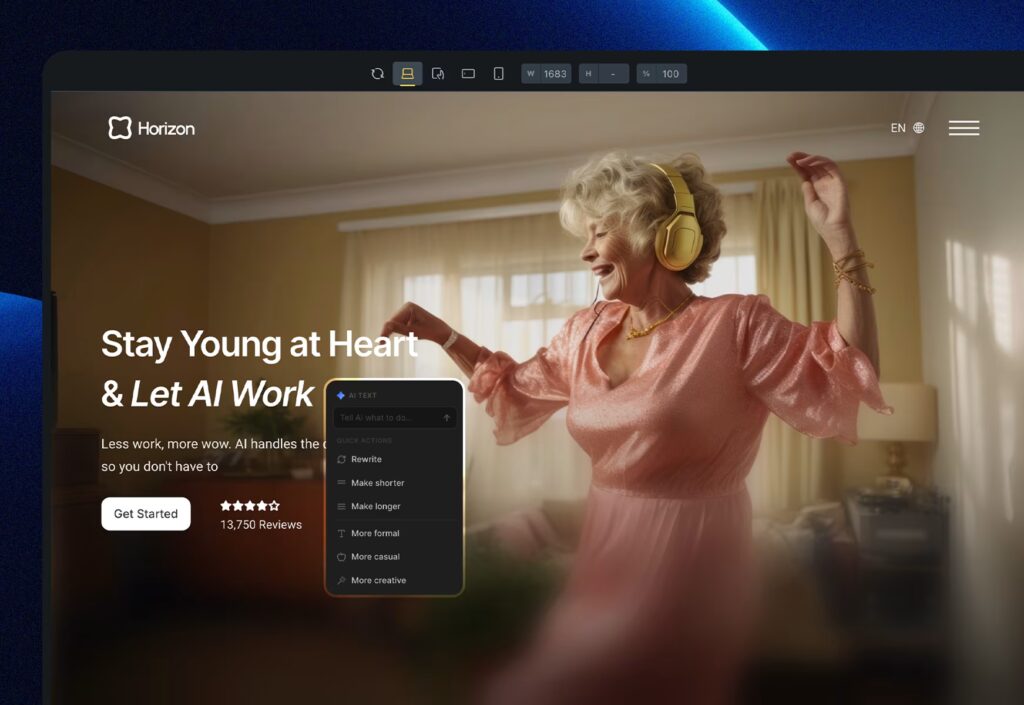
Publish
Let AI perfect every word. Rewrite, adjust tone, fine-tune every detail. Keep it young, keep it bold. Hit publish and go live.
Built for Bricks
built for You
No dependencies, no bloat, no complexity. Just powerful tools that work inside Bricks
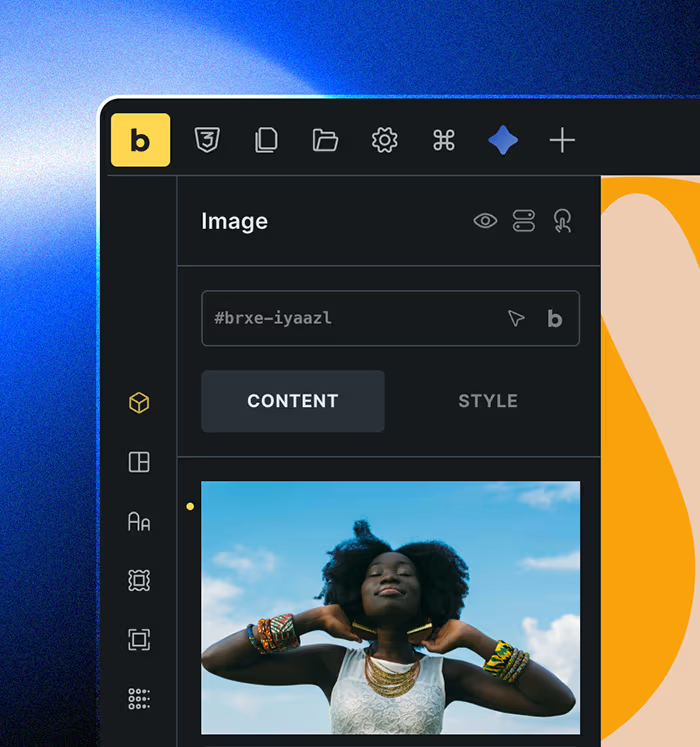
Pure Bricks
Everything runs natively inside Bricks. No dependencies, no bloat. Just clean, fast, native code

Effortless Design System
Consistent design across your entire site. No complex math, no confusion. Just creative freedom
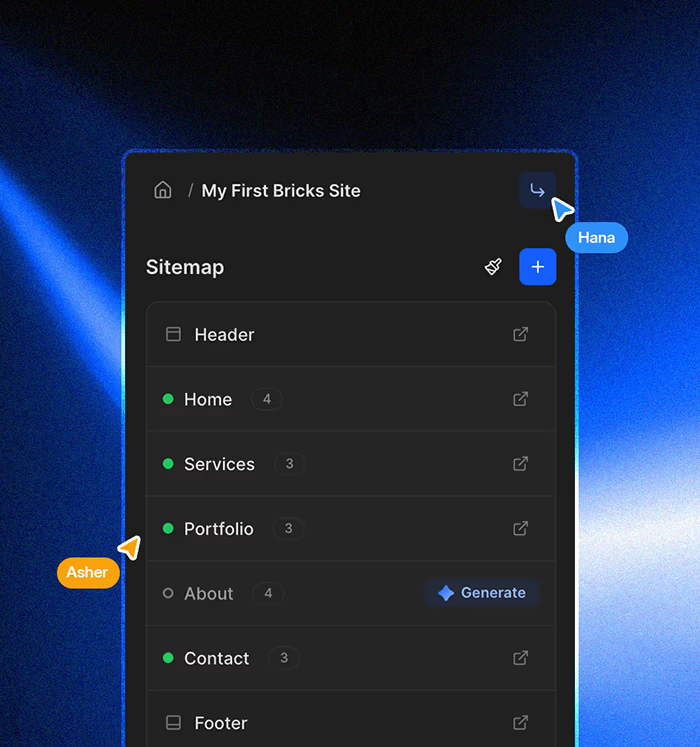
Share Anywhere
Build on one site, reuse on another. No limits, no friction. Just plug and play everywhere*
Get the AI that brings speed, quality, and confidence
Yearly discount 30%
Free
For builders getting started
$0
/month
- Basic usage
- 1 Project
- AI text rewrite and tuning
- Community support
Pro
For builders who want more
$29
/month
- More usage
- 10 Projects
- Swap sections instantly
- AI text rewrite and tuning
- Add pages to your sitemap
- Add sections to any page
- Reuse across any Bricks site
- Email support
Scale
For builders who mean business
$49
/month
- 4x more usage than Pro
- Unlimited Projects
- Swap sections instantly
- AI text rewrite and tuning
- Add pages to your sitemap
- Add sections to any page
- Reuse across any Bricks site
- Email support
By Subscribing, you agree to our Terms of Service
and Privacy Policy
Frequently asked questions
How does Brickser AI work?
Pick a plan and download the plugin. Install it on your WordPress site with Bricks Builder and log in with your signup email. Describe your website, click generate, and AI builds the entire thing — sitemap, pages, and sections. Swap sections, refine text, and tweak the design until it’s perfect.
What is a project and where is my data saved?
A project is your complete website — all pages, sections, and content saved in one place. Everything is stored securely on the cloud and accessible anytime, anywhere.
How does sharing projects across different websites work?
Every project you create is stored under your Brickser account, not tied to a single website. That means you can plug any project into any site connected to your account — pages, styles, sections, and content all come with it. The only thing to keep in mind is media: images and videos will transfer only if they use a URL. Locally uploaded media won’t carry over, so we recommend using image/video URLs for full portability.
Do I need coding skills to use this?
Not at all. Everything is visual and runs natively inside Bricks Builder. No code, no other frameworks. Just prompt, personalize, and publish.
What counts as usage?
Every AI action counts toward your plan’s usage. This includes generating sections, rewriting text, and tuning tone. Need more? Upgrade anytime.
What design system does it use?
A simple, scalable design system built on CSS variables. No complex frameworks. Use Bricks’ own settings to change colors, typography, and spacing anytime.
Can I reuse my project on another Bricks website?
Yes. Any project you build can be shared and reused across any website running Bricks Builder. Build once, use everywhere
Does it depend on any CSS framework?
No. Everything is pure CSS variables and native Bricks. Zero dependencies, zero bloat. Your website stays clean and fast.
What is your refund policy?
We offer a 7-day refund window for annual plans if the service hasn’t been significantly used. Monthly plans are non-refundable, but you can cancel anytime with no commitment. For full details, see our Terms of Service.
Can I cancel anytime?
Yes. No commitments, no lock-ins. Cancel anytime through your customer dashboard.
How do I upgrade or manage my plan?
Upgrade, downgrade, or manage your subscription anytime through the customer dashboard.
Are there any extra charges or taxes?
Taxes may apply based on your location. Other than that, what you see is what you pay.